Overview
Browse our examples for practical copy-paste solutions to common use cases with React Flow. Here you can find our MIT Licensed examples, which you are free to use in your projects without restrictions, as well as our Pro examples that come with our React Flow Pro subscription plans.


Nodes


NODES
A new node appears wherever you drop the connection line


NODES
Use the `isConnectable` prop to limit the number of connections a handle can have


NODES
Display any content inside of a node


NODES
Remove a node without breaking the flow


NODES
Restrict dragging to a specific part of node


NODES
Make the whole node into a handle


NODES
Detect when a node overlaps with another node


NODES
Change the size of a node with a bounding box or draggable icon


NODES
A toolbar with buttons appears next to the selected node


NODES
Automatically create edges when nodes get close to each other


NODES
A custom node that can be rotated using CSS transforms


NODES
Animate smooth transitions between different graph layouts with interactive controls


NODES
Render hundreds of nodes and edges at once


NODES
Update the data field of a specific node


NODES
Render Custom Nodes with different shapes that are commonly used in flow charts
Edges
EDGES
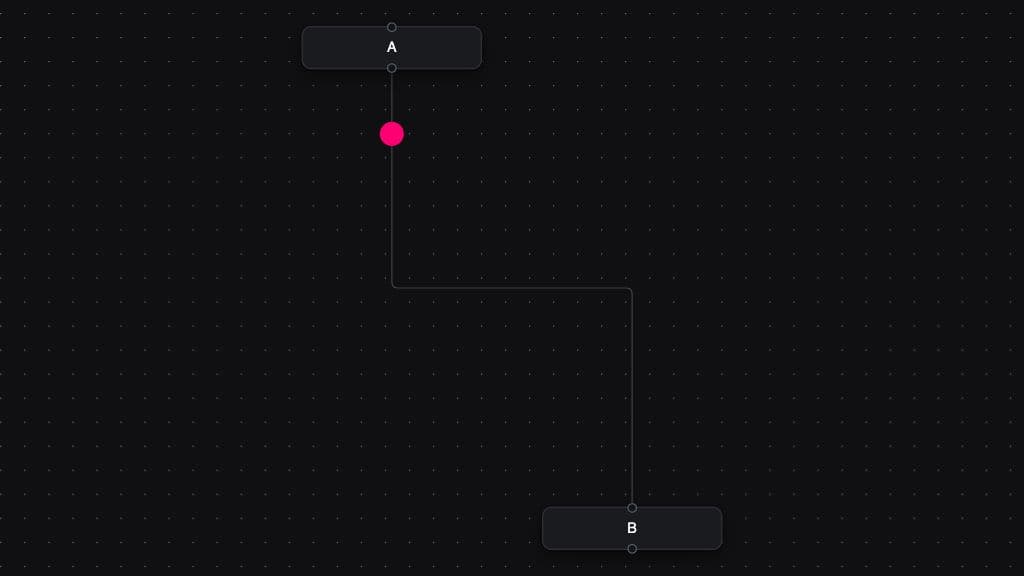
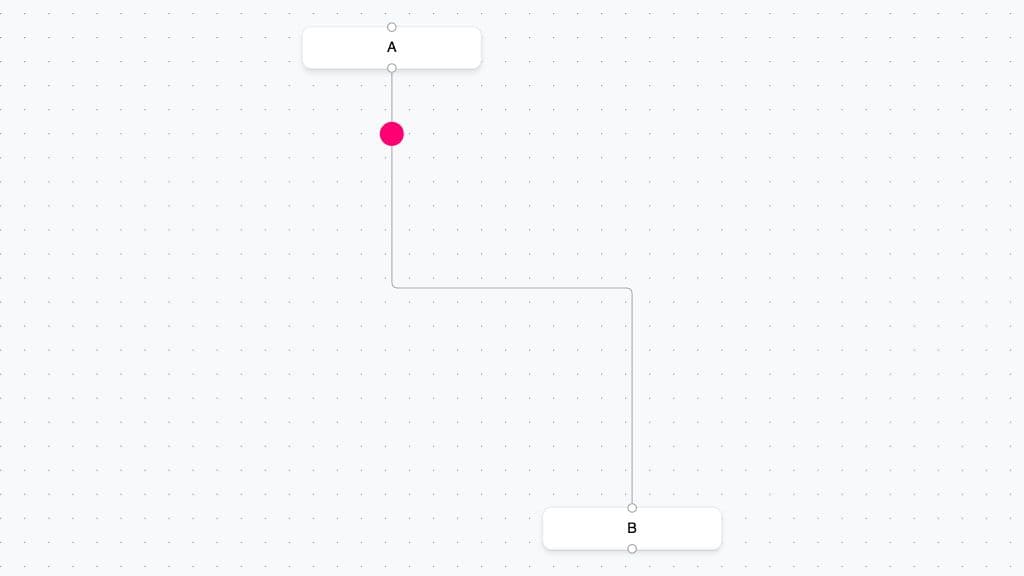
Create edge animations that go beyond the built-in animated edge.


EDGES
Change the appearance and behavior of the connection line


EDGES
Create edges with special routing or controls along the edge


EDGES
Delete an edge when it doesn't find a handle


EDGES
Render edge labels as divs on top of edges


EDGES
Detect edge intersections with nodes while dragging.


EDGES
You can use the EdgeToolbar component to display content on top of an edge.


EDGES
Make edges straight, stepped, smooth-stepped, or bezier curved


EDGES
Instead of having the handle at a fixed point, let it move with the connected edge


EDGES
Make your edges into arrows, add custom icons, or SVGs


EDGES
Draw multiple connection lines at once from any selected nodes.


EDGES
Click-drag to move an existing edge from one handle to another


EDGES
Edges connect to the closest available handle


EDGES
Push what React Flow edges are capable of by rendering invisible ghost nodes.


EDGES
Implement a custom edge with draggable control points to change the path of an edge
Interaction


INTERACTION
This examples demonstrates how to use the helpers to handle data flow


INTERACTION
React Flow emits different events during the connection process. Use this example to get an overview of those events and what order they are called in.


INTERACTION
Right-click a node to display custom actions


INTERACTION
Only display the content of a node when you are zoomed in close enough


INTERACTION
Drag and drop outside of the React Flow pane with native HTML Drag and Drop API or react-draggable.


INTERACTION
Check if a new connection would cause a cycle in the graph


INTERACTION
Save the state of the diagram, and reload it after refreshing the page


INTERACTION
Tap two handles to connect them, and make handles bigger for smaller devices


INTERACTION
Check if a new connection is valid and should be added


INTERACTION
Display lines that help to visually align nodes, with automatic snapping for precise positioning and layout control.


INTERACTION
Build a collaborative graph for multiple users with React Flow and yjs


INTERACTION
Select nodes and edges to cut, copy, and paste


INTERACTION
Undo and redo functionality for moving, adding, and deleting nodes and edges
Subflows & Grouping


SUBFLOWS & GROUPING
This example demonstrates how to create dynamic node grouping in React Flow.


SUBFLOWS & GROUPING
Dynamically attach and detach nodes from parent containers with drag and drop functionality


SUBFLOWS & GROUPING
Render nested graphs and group nodes, and configure the behavior of child nodes
Layout


LAYOUT
Integrate dagre js with React Flow to create simple tree layouts


LAYOUT
For a more powerful alternative to dagre, you can also use elkjs to layout your graphs


LAYOUT
Use multiple handles with the elkjs layouting engine to reduce edge crossings


LAYOUT
A diagram that flows from left to right


LAYOUT
Create hierarchical trees with expandable and collapsible nodes using dagre for automatic layouts


LAYOUT
Automatically arrange nodes using various layout engines like dagre, d3-hierarchy, or elkjs


LAYOUT
Newly added nodes never overlap with existing nodes using d3-force


LAYOUT
A self-organizing graph where users add nodes by clicking placeholder elements, and nodes position automatically.


LAYOUT
Automatically resolve node overlaps using collision detection algorithms
Styling


STYLING
Show the bare-bones base style that is built into React Flow, but is not used by default


STYLING
React Flow comes with a color mode prop that allows you to switch between dark, light and system mode.


STYLING
Use Tailwind CDN to easily make nice looking flows


STYLING
Nodes with glowing animated gradient borders, inspired by the turbo.build website
Whiteboard


WHITEBOARD
A tool that let's you delete nodes and edges by wiping


WHITEBOARD
An example about selecting multiple items using a lasso selection tool.


WHITEBOARD
An example about drawing rectangles on a whiteboard using Svelte Flow.


WHITEBOARD
Freehand drawing on the canvas.


